
Memorial Page With Photos and Stories: What It Includes
·
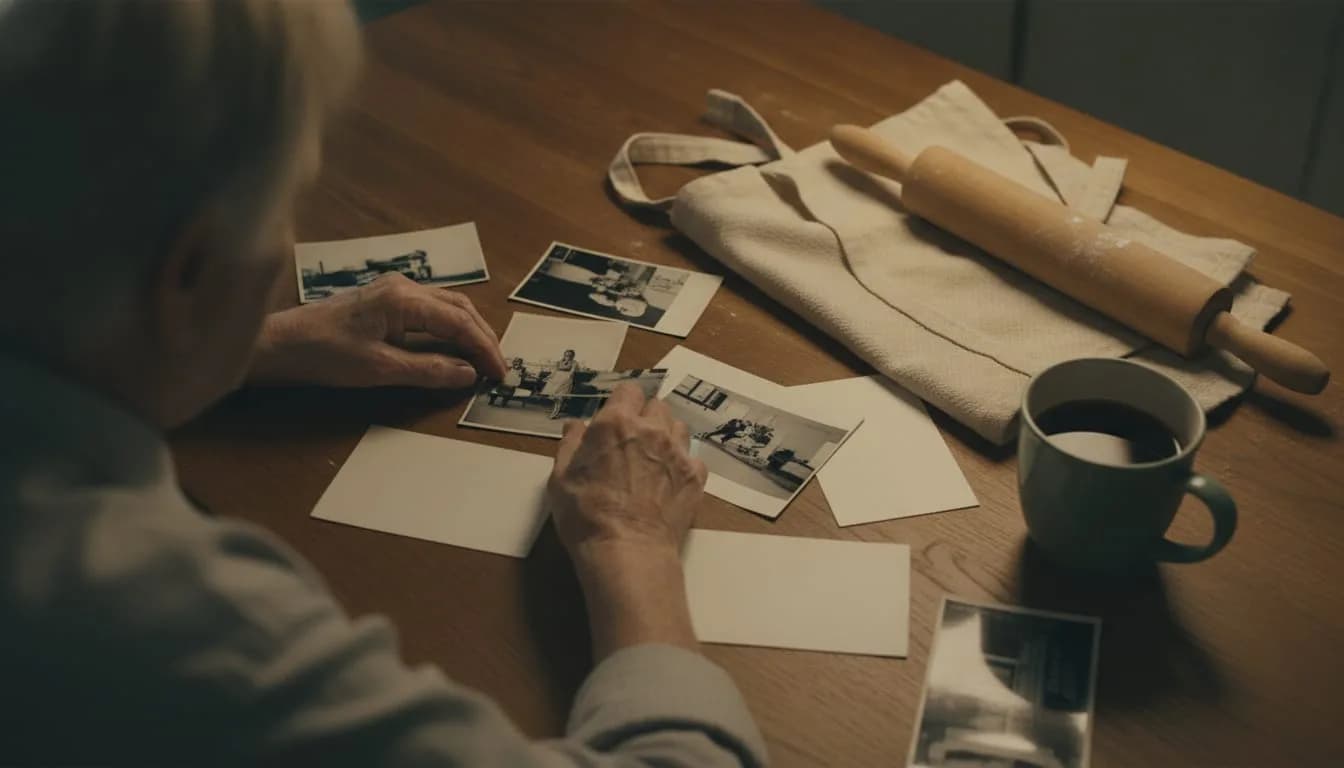
A memorial page with photos and stories is built from four pieces: a life story, a photo gallery, the memories other people contribute and a link to share it. None of them has to be complete on the first day.
A memorial page is a web space dedicated to a person who has died, bringing together their story, their images and the memories of the people who knew them. On WhoWasThisGuy.com it is free to start and costs US$10 once, with no subscription and no ads. Memorial pages will open soon.
Key takeaways
- Start with a short paragraph of life story and a few photos. Everything else can arrive over several weeks, as other people respond.
- Ask for stories with a specific question about a scene rather than a plain "write something," and mention each person by what they shared with the one who died.
- Review every contribution before it becomes visible. Whoever creates the page decides what appears, so you can calmly ask for a change or leave something out.
- Share a single link or QR code. If the family reads in different languages, automatic translations are clearly marked as such.
What parts does a memorial page have, and in what order do you fill them in?
| Part | What it contains | When to fill it in |
|---|---|---|
| Life story | Who they were, in a few paragraphs | Day one, even as a draft |
| Photos | A selection with one sentence each | First week, and it grows later |
| Stories | Memories from family and friends | Over several weeks, with specific questions |
| Link or QR code | One address for everyone | When there is enough to show |
To see each piece in practice, we will use a fictional person: a grandmother who was a baker for forty years. It is not a real case, it only shows what goes where.
What is the life story, and how do you start writing it?
The life story is the opening text of the page and, as a rule of thumb, about three paragraphs are enough to begin: who they were, what they did and what they were like with their loved ones. It is not an obituary or a full biography. It is the introduction that someone arriving for the first time will read before seeing anything else.
For the baker grandmother, the first draft could cover three things: where her family came from, how she started kneading dough before dawn and what made her grandchildren run to her kitchen on Sundays. That already gives you a person, not a list of dates.
If you struggle to get started, write the way you would talk to someone who never met her. You can jot down loose memories and let the AI writing assistant on WhoWasThisGuy.com turn them into sentences; you read it and fix it until it sounds like her.
How do you choose and arrange photos so they tell something?
A gallery tells something when it follows a thread, and the simplest one is time: childhood, youth, adult life and the last years. As a guideline, ten to twenty well-chosen photos are enough to understand a person; a hundred without order is tiring. Upload more if the photos deserve it.
The grandmother's photos will be on the phones of three cousins, in a cardboard box and in a family chat. Photograph the paper copies in natural light, straight on and without flash, to avoid glare. Pick first the photos that show her doing something (kneading, laughing, holding a baby) and leave the posed portraits for later.
For each photo, add a sentence saying who appears, when it was and what was going on. A caption like "With her sisters, the day they opened the new oven" gives the image context, because over the years nobody may remember who was who.
How do you collect stories from family and friends?
Stories come when the question is a specific scene: "What is your funniest memory with her?" or "What phrase of hers do you still repeat?" An open question like "write something nice" can freeze people, because it asks them to fit an entire life into a paragraph.
Send the link to the page with that question in the same message and mention each person by what they shared with the grandmother: to a neighbor, the bakery; to a grandson, the Sunday afternoons; to a former coworker, the holiday rush with custom orders. That way everyone knows which memory to talk about.
Stories do not have to be long. Three lines with context, something that was said and how it made you feel are enough. If someone prefers to tell it over the phone, you can transcribe it with their permission and add it as their contribution.
Who decides what gets published, and how is each contribution reviewed?
Whoever creates the page is its owner and decides what appears: every memory, photo or text that comes from another person goes through their judgment before it becomes part of the page.
A practical review involves three quick checks:
- That the content is about her and respects the people who appear, including minors.
- That the details are correct (names, dates, family relationships) or can be corrected with the person who sent them.
- That the tone fits the rest of the page and what the family wants to remember.
If something does not fit, you can ask for an adjustment with a kind sentence or decide not to publish it.
How do you share the page: link, QR code and the day of the funeral?
The page is shared with a single link or a QR code, and both lead to the same address. The link works for messages and emails. The QR is useful wherever there is paper: a memorial card, a ceremony program or a card next to a photo at the funeral.
On the day of the farewell, print the QR at a visible size, with a line saying what is behind it (for example, "Photos and memories of Grandma. You can add yours"). Anyone who cannot attend gets the same link by message and can take part just the same.
If the family is spread across several countries, the page can be read in 15 languages through automatic translations clearly marked as such. That helps a cousin who reads in another language understand the story, although it is worth remembering that an automatic translation does not always capture the nuances of an intimate text.
Who does a memorial page with photos and stories work for, and when is another solution better?
It works best when several people have memories that are scattered today: loose photos on phones, stories that exist only in a conversation, relatives in different places. A single page gathers them and they are not lost in a chat that fills up with new messages.
Another solution is better in three cases:
- If you want a printed book to give as a gift. A web page is for reading on a screen; a physical album is a different object, which can come later.
- If you only want a quick one-day wall. For an afternoon farewell, a shared board may be enough.
- If the family prefers not to publish anything online. In that case, a private album or a gathering to tell stories is an equally valid decision.
Frequently asked questions
Can I start if I only have photos and don't know what to write?
Yes. Leave the life story for later. When you write the story, read it aloud before publishing it.
What about relatives who don't use technology?
You can send them the link through the channel they already use, or sit down with them and write what they tell you. Before publishing their memory, read it back to them and confirm they agree. That way their voice ends up on the page without them having to learn anything new.
What is the first step to take today?
Pick five photos and write three sentences about who the person was. Then decide whom you will ask for the first story and with what question.
WhoWasThisGuy.com lets you create the page free to start, with a single US$10 payment whenever you want, with no subscription and no ads.