
How to Create an Online Memorial Page Without Losing Control
·
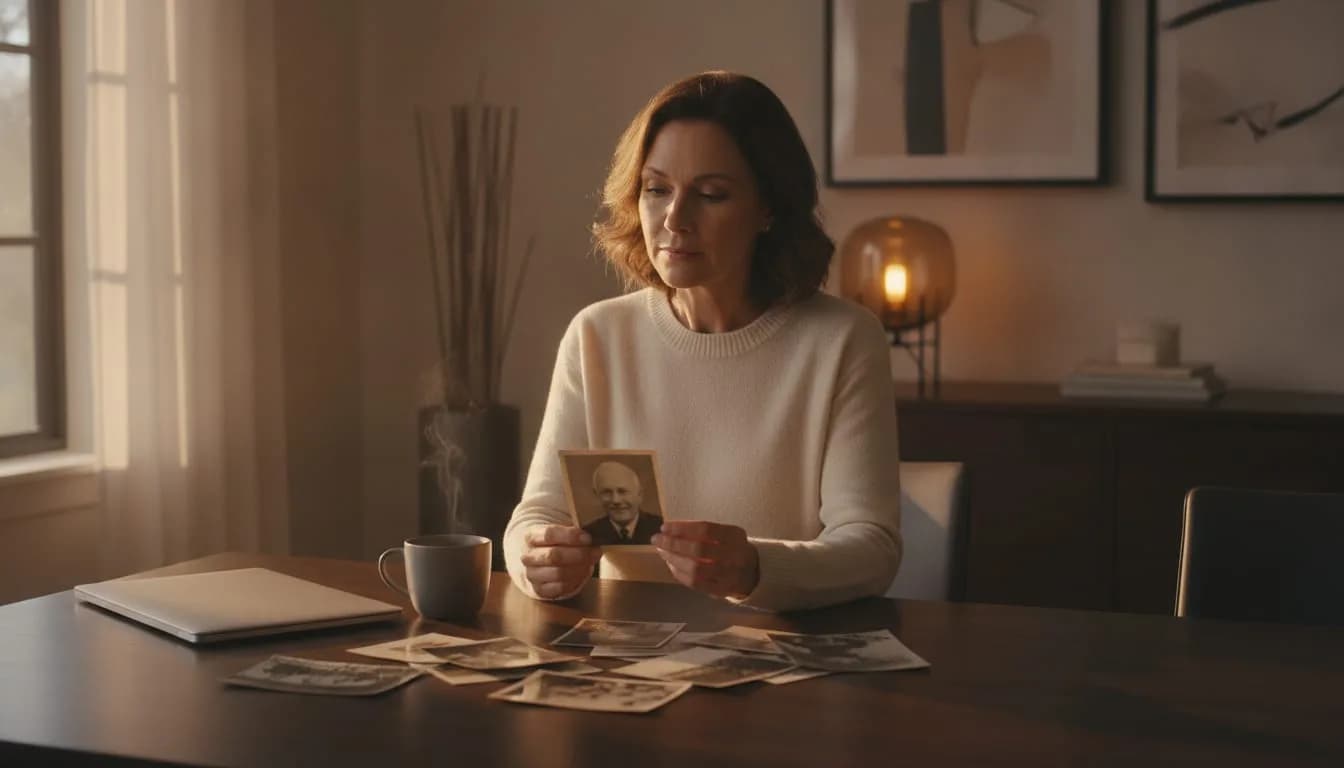
To create an online memorial page that gathers memories from the whole family without losing control, you need three things: a finished foundation before you invite anyone, specific requests, and a review of each contribution before it is published. An online memorial page is a web space dedicated to a person who has died, with their story, their photos and the memories of the people who knew them, shared through a link or a QR code.
On WhoWasThisGuy.com, family members can add stories and photos, but the administrator decides what appears.
Key takeaways
- The foundation (portrait, essential details and a short biography) can be prepared in one afternoon, and it's best to have it ready before you send the first invitation.
- A message addressed to one person about a specific memory gets more replies than a general request sent to the whole group.
- Since every contribution goes through the administrator, opening the page to the whole family doesn't mean accepting anything that doesn't fit.
- Sharing in two rounds, first a small circle and then everyone else, lets you fix mistakes before many people see them.
- It costs US$10 once, you can start for free, and there is no subscription and no ads.
How do you create a collaborative online memorial page that stays yours?
You create it in four steps: prepare the foundation, ask for specific memories, review each contribution and share the link in circles. The first takes an afternoon; the rest is spread over a week or two. Nothing others send appears without your decision, and that addresses the most common fear administrators have.
That fear usually has two sides: that someone will post something inappropriate, or that nobody will contribute anything. Each step below offers a fix for one of the two.
- Create the foundation with a portrait, the essential details and a short biography.
- Ask for specific memories from specific people, with a clear question.
- Review each contribution before it is published, and reply tactfully when something needs adjusting.
- Share the link first with a small circle and then with everyone else, including the funeral.
Step 1: What should the page have before you invite anyone?
Before inviting anyone, the page needs a main portrait, the basic details (full name, nickname, dates, places) and a biography of between 150 and 300 words. With that, visitors understand the tone and know what kind of memory fits. An empty page makes people hesitate, and nobody dares to be the first.
What to gather in one afternoon
- Details: legal name, nickname, date and place of birth, date of death and, if you wish, the details of the farewell.
- Portrait: a clear, front-facing photo in which the family recognizes them right away.
- Starter photos: between 15 and 30, roughly in chronological order. Many more would be too many: the others will bring their own.
- Biography: about 150 to 300 words with life milestones (where they grew up, what they did for a living, whom they loved) and two or three character traits.
If writing blocks you, tell three anecdotes out loud or jot them down as loose notes. The AI writing assistant can help you turn those notes into sentences; afterward, read them and change whatever doesn't sound like that person. The words have to be yours.
If part of the family reads in another language, choose one to write the foundation in. The page can be read in 15 languages through clearly labeled machine translations, so you don't need to write everything several times.
Step 2: How do you ask for specific memories instead of just "write something"?
A request that names the person, the topic and a minimum length, such as "tell us in three sentences how he cooked on Sundays," gets answered far more often than "write something." Writing from a blank page about someone who is gone is overwhelming. A specific question lowers the barrier and brings back stories the family didn't know.
Questions that work
- When was the first time you saw them really laugh?
- What saying of theirs do you still repeat?
- What did they teach you without realizing it?
- What photo of you with them do you keep, and what was going on that day?
- What dish, song or place reminds you of them?
Send the messages one at a time, addressed to whoever knew each period best: ask the childhood cousin about the summers; ask the work colleague what they were like day to day. A personal request carries more weight than a message to the family group with the link and nothing else.
Offer a rough date, for example two weeks, and make clear there's no rush and no minimum. And let people know they can write in their own language: machine translation will make sure the rest can read it.
Step 3: How do you review each contribution before it appears?
Reviewing each contribution means checking four things before approving it: that the facts are correct, that the tone is appropriate, that it doesn't expose anyone who hasn't consented, and that it doesn't repeat another one. On WhoWasThisGuy.com you decide what appears, so no story or photo is published unless you want it to be.
What to look for in each contribution
- Facts: dates, names and places. A wrong year in a story stays on the page forever.
- Tone: a funny anecdote is welcome; one that makes another living person look bad is not.
- People in photos: if minors or people who haven't given permission appear, ask first.
- Private details: addresses, diagnoses, unresolved family conflicts.
- Repeats: two accounts of the same anecdote can coexist, but it helps to know.
If something doesn't fit, you don't need to just say no. Write privately to whoever sent it: "Your memory moved me. Could we take out the comment about the inheritance and keep just the fishing part?" Almost always the person understands, because they didn't want to hurt anyone either.
Review in batches, once a day, rather than the moment each notification arrives. That way you're not living with your phone in your hand, and the decisions come out calmer.
Step 4: When and with whom should you share the link?
Share the link once the foundation is finished, and in two rounds: first 3 to 5 trusted people, who test the page and contribute the first stories, and then the rest of the family and friends. Everything is distributed with a single link or a QR code, with no accounts or separate lists to maintain.
The first circle spots what you can no longer see: a misspelled surname, a rotated photo, a question that isn't clear. Fixing it with four people costs little; with forty, much more.
For the funeral or farewell, print the QR code on the order of service or on a small card, large enough to scan without effort. Add the written link underneath for anyone who doesn't use their phone camera. For those who can't attend, send them the same link by message.
The mistakes that most often break an online memorial page
Four mistakes account for almost all the problems: publishing without reviewing, asking for memories without guidance, sharing too early and leaving the foundation half done. All of them can be fixed, and most come down to doing one step sooner than you feel like it.
| Mistake | What it causes | How to fix it |
|---|---|---|
| Publishing without reviewing | Wrong facts or hurtful comments, visible to everyone | Approve each contribution yourself, in one daily batch |
| Asking "write something" | Silence, or one-line messages | A specific question to a specific person |
| Sharing too early | An empty page nobody wants to be first on | Finish the portrait, biography and 15 to 30 photos first |
| Sending a single notice to the group | Everyone assumes someone else will do it | Individual messages and one reminder a week |
| Ignoring languages | Part of the family is left out | Let people write in any language and mention the machine translation |
| Not saying thank you | People don't contribute again | Reply to each person with a short message |
Machine translations are labeled as such, so readers know that some nuances may be lost. If a story is especially important, ask the person who wrote it to share it in their original language as well.
Example: a page with ten contributions in one week
Imagine Lucía, who manages the page for her father, Andrés, and has family in three countries. It's a hypothetical scenario, but it shows how the steps fit together and what you can expect from a small, well-guided group.
- Sunday afternoon: she uploads a portrait, 22 photos, the dates and a 220-word biography that she drafted with the assistant's help and then touched up.
- Monday: she sends eight personal messages. To her uncle, the question about the summers in the village; to a former colleague, what Andrés was like at the office.
- Tuesday to Friday: the contributions come in. Each night she reviews the new ones. One gets the year they moved wrong, and another tells of a family argument.
- Saturday: she fixes both with care. She writes to the author of the wrong year, and she suggests to the person who told the argument story that they keep only the fishing part.
- The following Sunday: with ten contributions published, she shares the link with the rest of the family and includes it on the farewell card.
The result doesn't depend on everyone taking part, but on the first group having reasons to do so. With ten stories on view, those who arrive later understand what's expected and feel encouraged to add theirs.
Frequently asked questions
How much does it cost to create an online memorial page on WhoWasThisGuy.com?
You can start without paying, and keeping the page costs US$10 as a single payment, with no subscription and no ads. That means there's no monthly fee someone has to remember years from now. Memorial pages are opening soon.
What do I do if nobody contributes memories?
Start with two or three people you write to directly, with a specific question, and send just one reminder after a week. If they still don't come, call someone who holds good stories and write them down yourself with their permission. A page with three well-chosen accounts already invites the others.
What do I do if a relative sends something I don't want to publish?
Just don't approve it: as administrator, you decide what appears. Then write to them privately, thank them for the gesture and suggest which part does fit or how to rephrase it. If the disagreement runs deep, leave that memory off the page and offer them another space, such as a letter or a private album.
Can relatives who speak another language read the page?
Yes, the page can be read in 15 languages through clearly labeled machine translations. Because they're automatic, some turns of phrase or family nicknames may lose their charm or meaning. That's why it's a good idea to also keep the most cherished stories in the original language of whoever wrote them.
Start with the foundation: one afternoon and three things on hand
WhoWasThisGuy.com lets you create an online memorial page with the story, the photos and everyone's memories, in one place that you share with a link or a QR code. Pages are opening soon, and getting started is free. If you decide to keep it, it's US$10 once, with no subscription and no ads.
In the meantime, you can get the most important part done with three things: a photo that represents them well, the key dates and places, and a list of five people you'll write a specific question to. With that, the foundation takes an afternoon and the rest can go at your own pace, unhurried and without losing control of what appears.
Related resources
- Explore more on whowasthisguy.com.
This article was prepared with the help of AI tools.