
Create an Online Memorial Website for a Funeral in One Evening
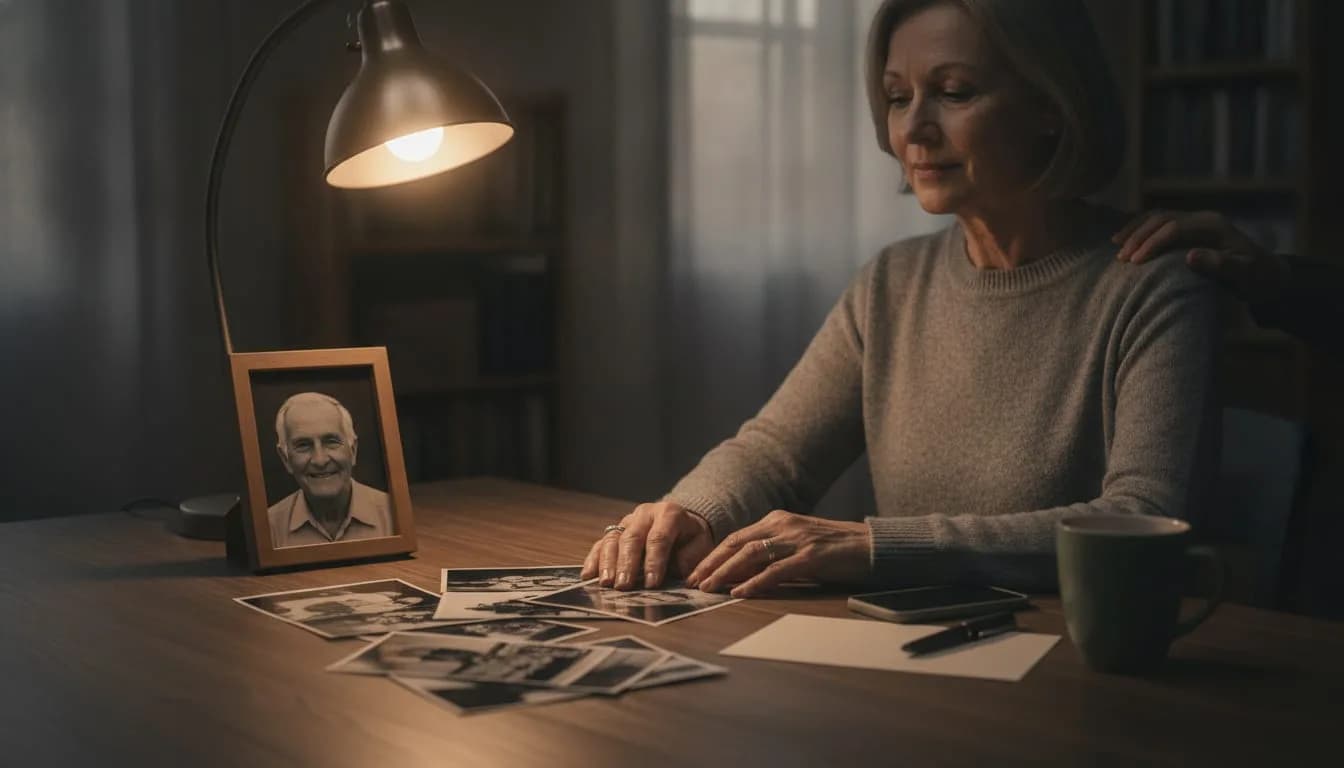
A very simple online memorial website, with a name, a photo and three sentences, can be created in one evening and shared at the funeral by link or QR code. The rest, the stories, the other photos, the guests' messages, can come in the following weeks.
An online memorial is a web page dedicated to someone who has died, where their story, their photos and the memories of the people who knew them come together. The timeline below follows that of a family organizing a ceremony in the coming days.
Key takeaways
- Don't aim for the finished page before the ceremony: a name, a photo and three sentences are enough for a first version you can show.
- Reread the page the next morning, then test the QR code with two different phones before printing the funeral announcement or the program.
- Invite loved ones to write their memories once the ceremony is over, with a short message and a single request: a story or a photo, not a perfect text.
Step 1: What do you need on hand to start an online memorial?
You need three things: the name as you want it to appear, a photo where the person is easily recognizable, and three sentences that say who they were. Have their dates of birth and death ready too. Gathering all this takes about half an hour.
Here is what that looks like in practice:
- The name: the first name they went by, the family name, and possibly the nickname everyone used.
- A photo: pick a clear one, preferably facing the camera, rather than the most official one. A photo that looks like the person reassures the guests.
- Three sentences: where they lived, what they liked to do, what people remember about them. Write as you would talk to a neighbor who didn't know them.
If the words don't come, a writing assistant can turn a few notes into sentences. Then read them aloud: if a sentence doesn't sound like the person, change it.
Step 2: How do you create the page for free and set up a first version?
Several platforms let you start without paying. On WhoWasThisGuy.com, creating the page is free to begin with, then a one-time payment of US$10 applies, with no subscription and no ads. Allow roughly one to two hours the first time, stopping as soon as the first version is readable.
- Choose one person in charge who will own the page. One email address, one account: this avoids duplicates.
- Create the page with the name and dates of the person who has died.
- Add the photo you chose in step 1, not ten photos.
- Paste in the three sentences as the introduction. You'll build on them later.
- Check the visibility: for now, only the people who receive the link should be able to see it.
- Close the computer and reread the next morning, with fresh eyes.
Step 3: What should go online right away, and what can wait?
The practical details of the ceremony can be included, if you wish. Anything that takes time, sorting, or the agreement of several people can wait, without the page looking incomplete.
| Do now | For later |
|---|---|
| Name, dates, one photo | Photo gallery sorted by period |
| Three sentences of introduction | Full life story |
| Place and time of the ceremony, if the family wishes | Stories from cousins, neighbors, colleagues |
| A welcome note for guests | Memories from loved ones living abroad |
A short page is not a poor page: guests understand that it's just beginning, and the gallery sorted by period, the life story or the stories from cousins, neighbors and colleagues can be added after the ceremony. To decide what order to add things in, a memory page with photos and stories is built block by block, at your own pace.
Step 4: How do you get the link and QR code and put them on the funeral announcement?
Once the page has been reread, copy its link and download its QR code, which opens the same page. Put one or the other on the funeral announcement or the printed program, or show them on a screen during the ceremony.
A few concrete tips depending on the use:
- Funeral announcement or card: add a line such as "To remember [first name]". Add the written link for those who aren't used to QR codes.
- Ceremony program: the QR code at the bottom of the page, large enough to be scanned at arm's length.
- Screen or slideshow: a single fixed slide, left up for a few minutes, with the link in large letters.
- Group message: the link on its own, in the text of a message sent to family and friends.
The test matters: a code printed too small or on a dark background may not scan, and you only find out once the cards have been delivered. Scan a version printed on ordinary paper before placing the final order.
Step 5: How do you invite loved ones to add their memories after the ceremony?
As a general rule, wait one to two weeks before writing to loved ones. The page owner decides what appears, so you can welcome contributions without worrying about an inappropriate message.
A message that works is three lines long: the link, the sentence "If you have a memory of [first name], even a short one, it will have a place here", and the assurance that there is no right way to write. Some people don't dare write for fear of getting it wrong, so give them permission to be brief.
What mistakes make everything harder?
Three mistakes are worth avoiding. The first exposes a misspelled name or a wrong date to every guest, the second wears out the person who is already organizing everything else.
- Sharing the link the same evening you create the page. A reversed date of death or a misspelled first name is spotted immediately when dozens of people open it. Reread the next day, ideally with a second relative.
- Opening contributions without deciding who approves them. Name one person, two at most, before sending the invitation.
- Writing the introduction alone without showing it to anyone. A brother, sister or spouse may catch a detail you had forgotten.
What do these five days look like for a family?
The time frame here is five days. An eldest daughter takes charge of the page, while her brother handles the funeral announcements. Here is how the schedule can be divided without encroaching on the rest of the arrangements.
- Day 1, evening: she creates the page and stops there.
- Day 2, morning: she rereads it with her brother, corrects a date, and adds the place of the ceremony.
- Day 2, noon: he gets the QR code and the link, and sends them to the printer for the program.
- Day 3: a printed version is tested with two phones, a recent one and an older one.
- Day 5: the link is displayed on a screen at the entrance to the hall.
Frequently asked questions
How much does an online memorial cost on WhoWasThisGuy.com, and does the cost change with the number of visitors?
Creating the page is free to begin with, then a one-time payment of US$10 applies, with no subscription and no ads. The number of visitors or contributions doesn't change that amount. Memorial pages are opening soon, so you can start by preparing your texts and photos.
What if loved ones don't all read the same language?
Pages can be read in 15 languages through automatic translations that are clearly labeled as such. This helps a family scattered across several countries, but an automatic translation is still approximate. For an important passage, such as the three introductory sentences, have a bilingual relative read it over.
Do you have to be the closest relative to create the page?
No, but talk to the family first and agree on who will own the page. It's better if everyone knows who it is. If two relatives each create a page, you can keep just one and send the link to that one.
Where should you start tonight?
Start with a sheet of paper. That way you'll have everything you need to create the page, even if you only publish it tomorrow. WhoWasThisGuy.com lets families create this memorial page.